For northern and cold-climate retailers, the calendar is only half the story. A fixed seasonal merchandising plan assumes that demand shifts happen on schedule — that customers start shopping for insulated boots in October and switch to rain gear in April. But anyone who has run a store in Tromsø, Whitehorse, or Anchorage knows that a surprise cold snap in September or an unusually mild January can completely reshape what customers need, and when they need it.
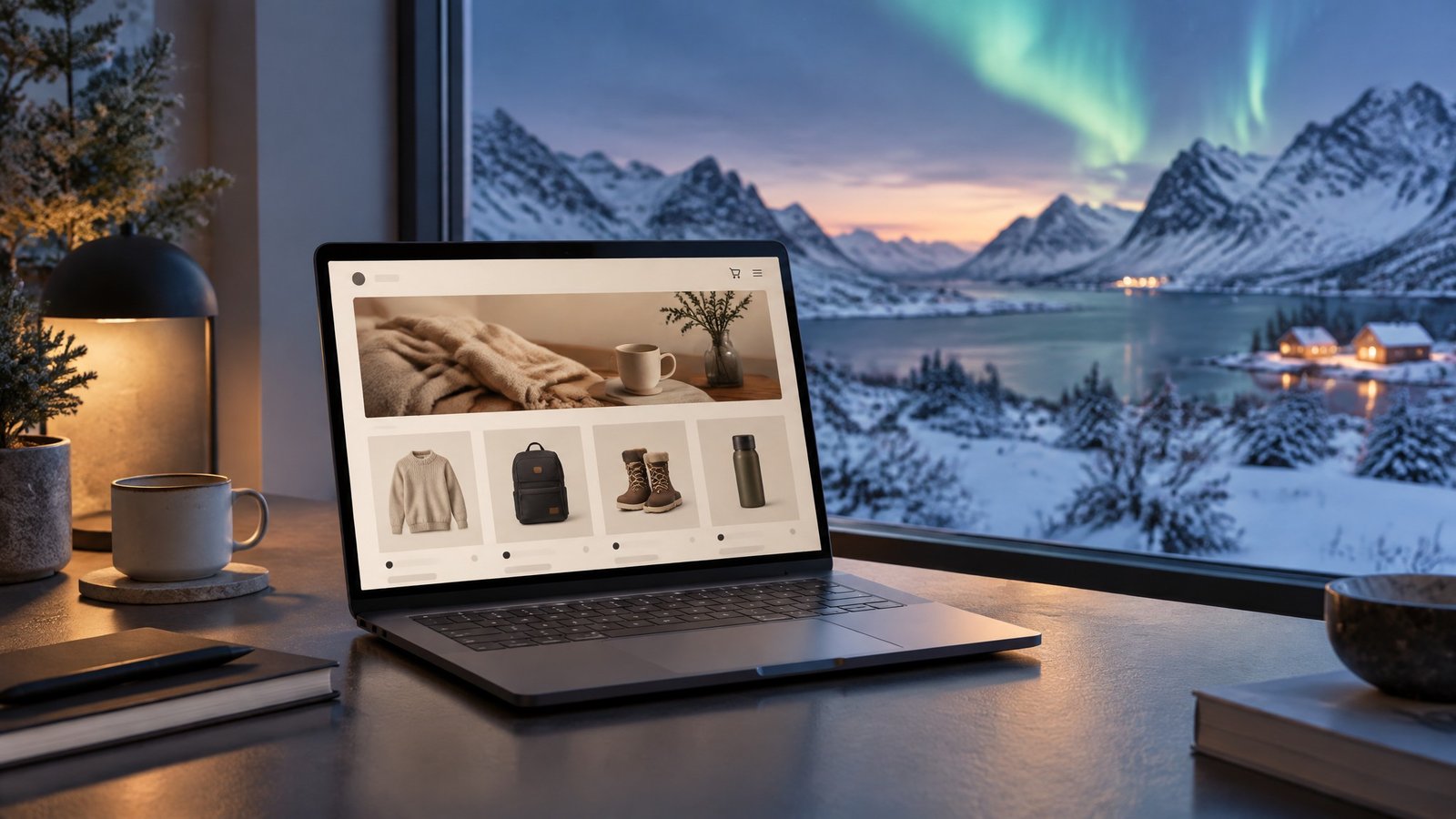
Weather-responsive ecommerce merchandising for cold climates is the practice of aligning your homepage modules, product priorities, and promotional messages with localized forecasts rather than relying solely on a fixed seasonal calendar. Done well, it turns your storefront into a dynamic tool that meets customers where they are — not where the marketing calendar says they should be.
Why Fixed Seasonal Merchandising Misses Hyper-Local Weather
Most ecommerce platforms are built around calendar-based promotions: schedule a banner for November 1st, swap it out on December 26th, repeat. This works reasonably well for markets with predictable, uniform seasons. It works poorly for northern retailers serving customers spread across hundreds of kilometres of varied terrain.
A customer in a coastal fishing community may experience a mild, wet November while a customer 200 kilometres inland is already dealing with -20°C temperatures and ice roads. A single homepage banner promoting “winter essentials” will resonate with one and feel premature to the other.
The gap between calendar-based and forecast-based merchandising is not just a missed opportunity — it is a conversion problem. When customers arrive at your storefront and see products that do not match their current reality, they leave. When they see exactly what they need for the weather they are experiencing right now, they buy.
Match Homepage Products to Three-to-Seven-Day Forecast Windows
The most practical starting point for weather-responsive merchandising is a three-to-seven-day forecast window. This range is long enough to allow for content preparation and short enough to remain accurate and actionable.
How to implement this:
- Identify your trigger conditions. Define the weather thresholds that shift demand in your category. For outdoor gear, this might be the first forecast below -10°C, the first significant snowfall, or a sustained wind chill advisory. For home goods, it might be a heating degree day threshold. Write these down as explicit rules before you start.
- Map conditions to product collections. For each trigger condition, identify the two or three product collections or individual SKUs that see the strongest demand lift. These become your featured modules when the trigger fires.
- Build modular homepage sections. Work with your development team or platform theme to create homepage sections that can be swapped independently — a hero banner, a featured collection row, and a promotional callout are the minimum. Avoid designs that require a full homepage rebuild to change one element.
- Prepare content in advance. Write copy, select images, and configure promotions for each weather scenario before the season begins. When a cold snap arrives, you should be activating prepared content, not creating it under pressure.
For retailers using Shopify, WooCommerce, or similar platforms, this can be managed through scheduled theme sections, metafield-driven content, or third-party personalization tools that accept weather API inputs.
Align Creative, Inventory, and Customer Location
Weather-responsive merchandising only works when three elements are synchronized: your creative assets, your available inventory, and your customers’ geographic location.
Inventory alignment is the most commonly overlooked piece. Promoting a product that is out of stock — or that you cannot ship to a customer’s remote location within a reasonable timeframe — damages trust and increases cart abandonment. Before activating a weather-triggered promotion, confirm that the featured products are in stock and that fulfilment timelines are realistic for your customer base.
Geographic segmentation matters because your customers may not all be experiencing the same weather. If your analytics show meaningful customer clusters in different climate zones, consider serving different homepage experiences by region. This does not require sophisticated personalization infrastructure — even a simple location-based redirect to a regional landing page can improve relevance significantly.
Creative consistency means that your weather-triggered content should feel like a natural extension of your brand, not a reactive scramble. Develop a small library of weather-scenario creative assets — photography, copy templates, and promotional frameworks — that can be deployed quickly without sacrificing quality.
For more on how northern businesses can use data to understand seasonal demand patterns, see Reading the Seasons: Analytics Trends for Northern and Seasonal Businesses in 2026.
Prevent Cold-Snap Promotions From Creating Overselling or Returns
One of the risks of weather-responsive merchandising is that a successful promotion can create fulfilment problems. A cold snap that drives a surge in demand for insulated outerwear is good news — unless you oversell, ship the wrong sizes, or promise delivery timelines you cannot meet to remote customers.
Build in inventory guardrails. Set maximum promotion quantities for weather-triggered campaigns. When a featured product reaches its threshold, automatically swap it for the next best option rather than continuing to promote something you cannot deliver.
Be explicit about delivery timelines. Northern customers are accustomed to longer shipping windows, but they need accurate information to plan purchases. Display realistic delivery estimates prominently on product pages and in cart — not buried in a policy page. For more on this, consider how The Northern Winter Campaign Calendar addresses fulfilment planning across peak periods.
Simplify your returns process for weather-driven purchases. Customers who buy in response to an urgent weather need and then find the product does not fit or perform as expected will return it. A clear, low-friction returns process — with explicit guidance for customers in remote locations — reduces the cost of those returns and preserves the relationship.
Test Weather-Based Experiences Against Control Regions
Before committing to a full weather-responsive merchandising programme, run controlled tests to confirm that the approach actually lifts conversion and revenue in your specific market.
A simple test structure:
- Select two comparable customer segments or geographic regions.
- Serve weather-triggered content to one group and your standard seasonal content to the other.
- Measure conversion rate, average order value, and revenue per visitor over a four-to-six-week period that includes at least one significant weather event.
- Compare results and calculate whether the lift justifies the operational overhead of maintaining weather-triggered content.
Most northern retailers who run this test find that weather-triggered merchandising outperforms calendar-based content during weather events, but that the gap narrows during stable periods. This suggests a hybrid approach: maintain a solid calendar-based foundation and layer weather-triggered content on top during high-impact forecast windows.
For external benchmarks on ecommerce personalization and weather-based marketing, the Baymard Institute’s ecommerce UX research and Klaviyo’s seasonal marketing guides offer useful reference points for conversion optimization in retail contexts.
Building a Sustainable Weather-Responsive Programme
Weather-responsive ecommerce merchandising is not a one-time project — it is an ongoing operational capability. The retailers who do it well treat it like any other marketing channel: they document their trigger conditions and content libraries, review performance after each weather event, and refine their approach each season.
Start small. Pick one weather trigger, one product collection, and one homepage section. Build the content, activate it during the next relevant weather event, and measure the result. Then expand from there.
The goal is not to react to every forecast change — it is to be ready when the weather creates a genuine demand signal, and to meet that signal with a storefront that feels relevant, well-stocked, and worth buying from.
At ArcticMarketer, we help northern and cold-climate businesses build marketing systems that work with the realities of their markets — including the weather. Explore our resources on seasonal campaign planning and ecommerce retention strategies to build a more resilient digital storefront.